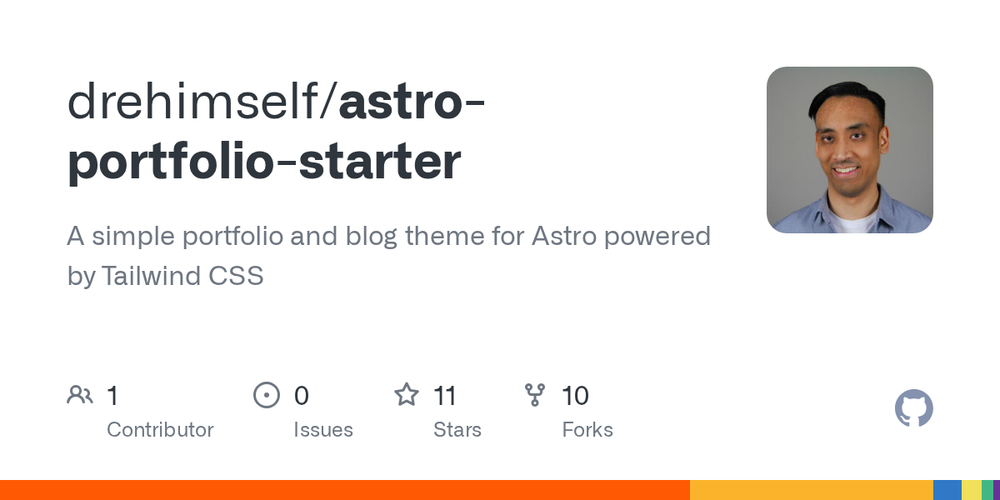
The Astro Portfolio Starter is a versatile and modern theme designed for building personal portfolios and blogs. It leverages the power of Astro for fast, content-focused websites and Tailwind CSS for efficient styling. This starter kit provides a clean and minimal design, making it easy to customize and launch your online presence.Key Features:* Clean and Minimal Design: Focuses on readability and user experience with a sleek aesthetic.* Tailwind CSS v4: Utilizes the latest version of Tailwind CSS for utility-first styling, ensuring a highly customizable and maintainable codebase.* Blog with MDX Content: Easily create blog posts using MDX, which allows embedding Vue and React components directly within your Markdown content for rich, interactive articles.* Theme Switcher: Includes built-in light and dark mode functionality, enhancing user comfort and accessibility.* View Transitions: Implements Astro's View Transitions API for smooth, app-like page navigation without full page reloads.* Post Tags and Pagination: Organize your blog content with tags and provide a seamless browsing experience with basic pagination.* Syntax Highlighting: Code blocks in your blog posts are beautifully rendered with syntax highlighting.* Illustrations: Integrates illustrations from unDraw to add visual appeal.* 404 Page: A custom 404 error page is included for a polished user experience.Use Cases:This starter is ideal for developers, designers, and content creators looking to quickly set up a personal portfolio website to showcase their work, or a blog to share their insights and articles. Its modern stack and developer-friendly features make it a great choice for those who want control over their website's performance and design.Installation is straightforward:1. Clone the repository: git clone https://github.com/drehimself/astro-portfolio-starter.git2. Navigate into the project directory: cd astro-portfolio-starter3. Install dependencies: npm install4. Start the local development server: npm run dev (or npm run build for production build).
Newsletter
Join the Community
Subscribe to our newsletter for the latest news and updates