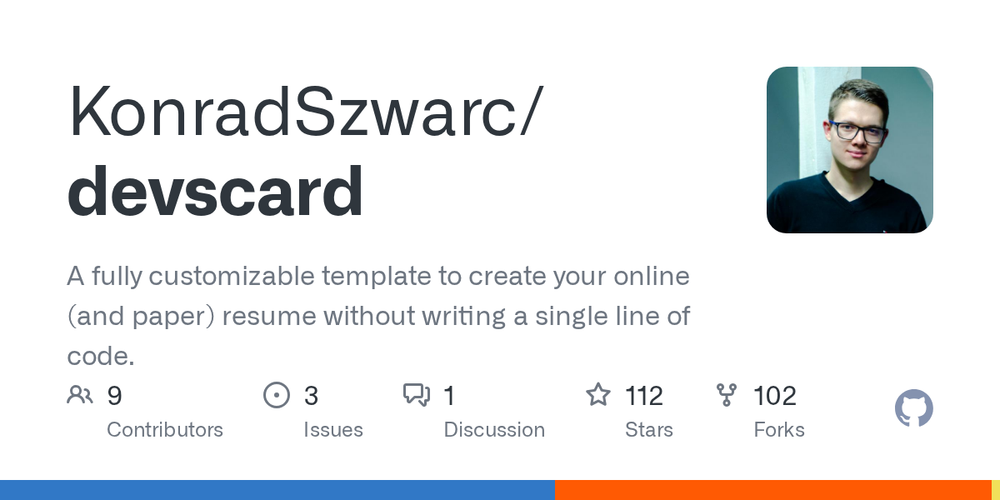
DevsCard is a fully customizable template designed to help developers create professional online and print-ready resumes without writing a single line of code. This project, while still available, is no longer actively updated, with its successor, Zenith, offering enhanced features built on the latest Astro version.
Key features of DevsCard include:
- Intellisense: Provides autocompletion and property descriptions directly within your IDE when defining data in TypeScript files, streamlining the resume creation process.
- Responsiveness: Ensures your resume looks impeccable on both mobile and desktop devices, with automatic testing to guarantee optimal display across various screen sizes.
- Assets Optimization: Automatically minimizes and resizes all images at build time, improving loading speeds and overall website performance.
- Performance: Achieves a perfect 100 score across all Lighthouse metrics, delivering an exceptional user experience and strong search engine visibility.
- PDF Generation: Offers the convenience of generating a professional PDF version of your CV with a simple command, perfect for traditional applications.
- Built-in Icon Sets: Integrates over 100,000 Iconify icons, allowing for rich visual representation of your skills and technologies.
- I18n (Internationalization): Supports customization of your resume's locale, date formatting, and translations, making it adaptable for global audiences.
- SEO Friendly: Built with robust SEO principles, ensuring all relevant configuration properties are well-described and optimized for search engines.
- Favicons Generation: Simplifies the creation of all necessary favicons and a comprehensive app manifest with a single command, enhancing brand presence.
- Data Helpers: Includes utilities to define skills and social links once and reuse them efficiently throughout your configuration, reducing redundancy.
- Data Transformers: Utilizes type-safe data transformers to generate multiple resume variants from a single data source, avoiding data duplication.
For detailed setup instructions, refer to the official documentation at https://devscard.gitbook.io/docs/setup-guide. An example CV can be viewed at https://devscard-resume.pages.dev.