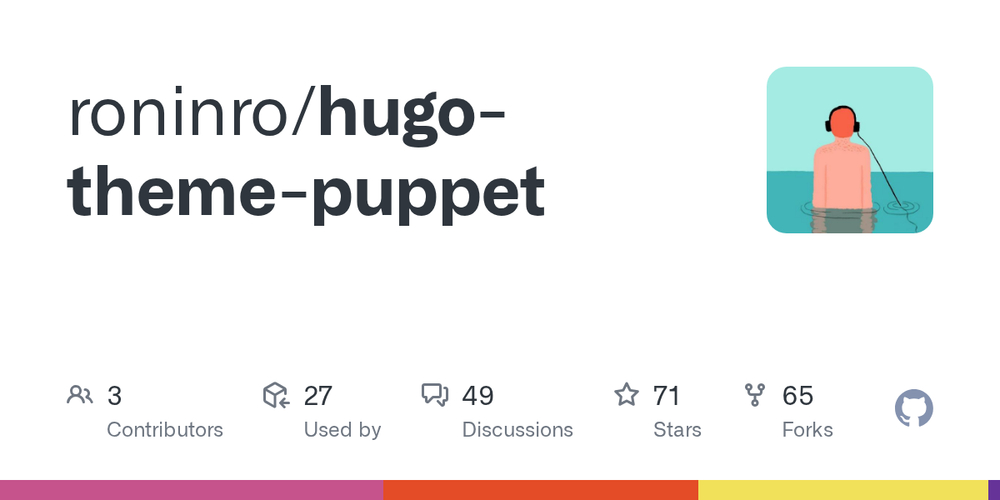
Hugo Theme Puppet is a responsive and SEO-friendly blog theme, meticulously ported from the acclaimed Hux Blog. It provides a robust foundation for personal websites and blogs, emphasizing a clean design and essential functionalities.
Key Features:
- Responsive Design: Adapts seamlessly to various screen sizes for optimal viewing on any device.
- SEO Optimization: Built with search engine best practices to enhance visibility.
- Table of Contents: Automatically generates a table of contents for easy navigation within long articles.
- Image Zoom: Allows users to zoom into images for a detailed view.
- Syntax Highlighting: Supports code highlighting for various programming languages, making code snippets readable.
- Integrated Search: Provides a search functionality to help visitors find content quickly.
- Comments System: Supports comment integration for user engagement.
- Google Analytics: Easy integration with Google Analytics for tracking website performance.
- Customization: Offers options for custom CSS and JavaScript, a custom 404 page, and custom favicon.
- Social Icons: Configurable social media icons to link to various platforms.
Installation:
To install the theme, clone the repository into your Hugo site's themes directory:
$ git clone https://github.com/roninro/hugo-theme-puppet.git themes/puppetConfiguration:
The theme includes an exampleSite folder with a config.toml file. Users can copy this file to their website's root directory and modify it to configure the theme. This includes setting up archive and about pages by adding _index.md files to the content folder. Social links can be configured directly in params.social in config.toml, either by setting an id for default icons or by providing a detailed dictionary with weight, icon, format, id, and url for more control.
[params.social]
mastodon = "@xxxxx"

# Or with more options:
[params.social.mastodon]
weight = 56
icon = "fab fa-mastodon"
format = "https://mastodon.social/%v"
id = "johndoe"
url = ""