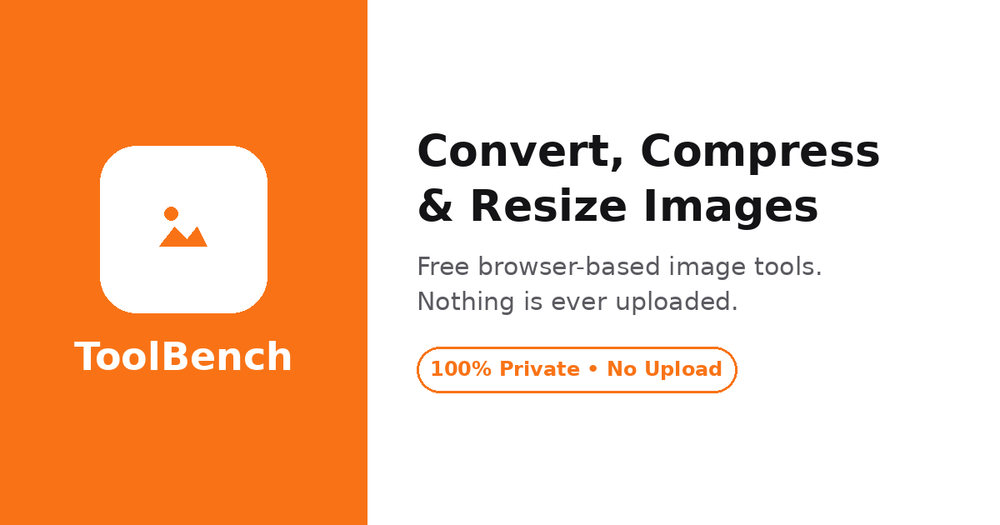
ToolBench's Image Converter is a free, online, and privacy-focused tool designed for converting various image formats directly within your web browser. This means your images are never uploaded to a server, ensuring complete privacy, no file size limits, and no need for sign-ups. The tool supports a wide array of input and output formats, including JPG, PNG, WebP, AVIF, GIF, BMP, TIFF, ICO, and PDF, offering unparalleled flexibility for all your image conversion needs.
Key Features:
- In-Browser Processing: All conversions happen locally on your device, guaranteeing that your sensitive images never leave your computer. This unique selling point eliminates concerns about data privacy and server-side processing limitations.
- Extensive Format Support: Convert images to and from popular formats like JPG, PNG, WebP, and AVIF, along with less common ones such as GIF, BMP, TIFF, ICO, and PDF. This comprehensive support makes it a versatile solution for diverse requirements.
- Batch Conversion & Per-File Control: Users can select multiple images and convert them in a single batch. The tool also provides granular control, allowing you to set different output formats, adjust quality, and resize each file individually before conversion.
- Quality Preservation & Enhancement: Maintain image quality with adjustable settings. For formats that don't support transparency (like JPG), the converter intelligently applies a clean white matte instead of the common black edges, ensuring professional-looking results.
- No Limits: Unlike many online converters, there are no restrictions on file size or the number of files you can process, making it ideal for large projects or extensive image libraries.
- Integrated Image Tools: Beyond conversion, the platform offers built-in functionalities for:
- Compression: Shrink file sizes without changing the format by adjusting quality sliders.
- Resizing: Easily set maximum widths for images, with heights automatically adjusted to maintain aspect ratio.
- PDF Creation: Transform image scans or photos into professional PDF documents.
- Favicon Generation: Create browser icons (ICO format) from any square image.
- User-Friendly Interface: The conversion process is straightforward: simply choose your files (from device or URL), select the desired output format and settings, click convert, and then download individual files or a complete ZIP archive.
Use Cases:
- Web Optimization: Convert large images to WebP or AVIF for faster website loading times, improving user experience and SEO.
- Graphic Design: Easily switch between formats required by different design software or platforms, ensuring compatibility.
- Document Creation: Transform image scans or photos into professional PDF documents.
- Social Media & Content Creation: Resize and optimize images for specific platforms like Instagram or YouTube, or create custom favicons for websites.
- Privacy-Conscious Users: Ideal for individuals and businesses who prioritize data security and prefer not to upload their files to external servers.
The ToolBench Image Converter stands out by combining powerful, client-side processing with a broad range of features, making it an essential utility for anyone needing efficient and secure image manipulation.