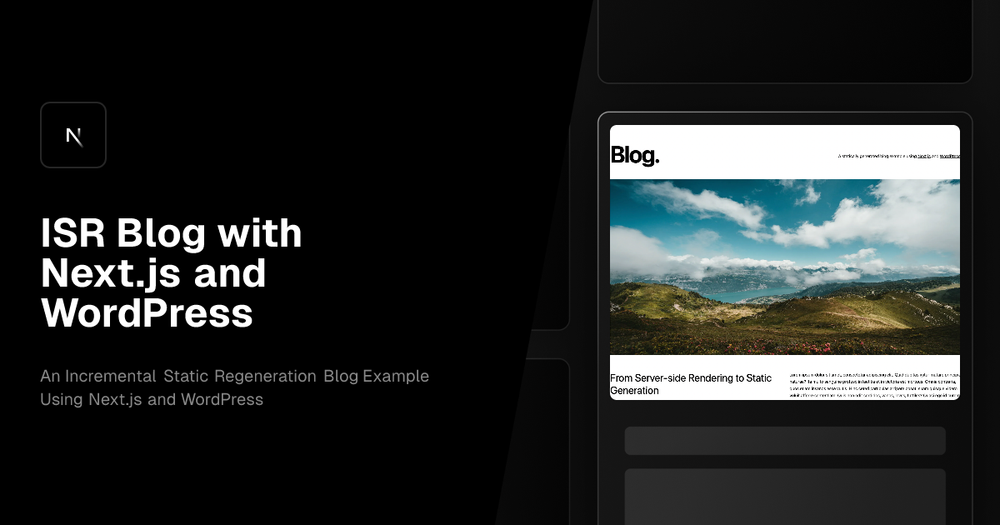
This template showcases how to build a Next.js 14 blog with WordPress as the CMS, leveraging Incremental Static Regeneration (ISR) for optimal performance. Key features include automatic robots.txt and sitemap generation, middleware for redirects, dynamic 404 handling, and seamless draft mode preview support. It also offers on-demand cache revalidation, ensuring content is up-to-date.
This example provides a feature-rich setup, including automatic type generation for your WordPress installation, seamless preview/draft preview support, and a bare minimum WordPress theme that implements cache revalidation, WordPress link rewrites, and other utilities for integrating with Next.js. The template uses an "Optional Catch-all Segment" for handling all WordPress content. When rendering this component, it simply asks GraphQL "what type of content is this route?" and fetches the corresponding template. Each template can then have its own queries for fetching specific content for that template.
It is recommended to build your page content by using the Flexible Content data type in ACF Pro. This will make you able to create a "Block Builder" editor experience, but still having everything automatically type generated, and receiving the data in a structured way. The default "Gutenberg" editor returns a lot of HTML, which makes you loose a lot of the advantages of using GraphQL with type generation.
To use this template, set up WordPress with the recommended plugins (WPGraphQL, Yoast SEO, etc.), configure the wp-config.php file, and clone the repository. Then, configure the .env file with the necessary environment variables, and run npm install to install dependencies. This setup enables developers to create performant, SEO-friendly blogs with a familiar CMS backend.