

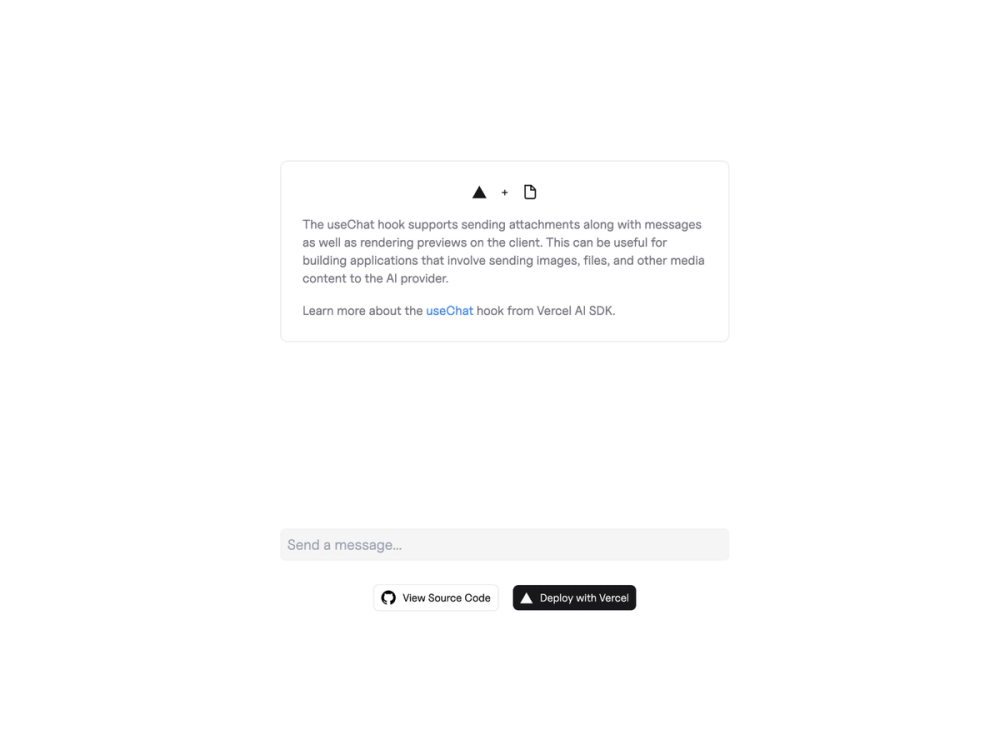
This template showcases a multi-modal chatbot application built using Next.js and the Vercel AI SDK. It provides a robust foundation for creating interactive chat interfaces capable of sending and receiving diverse message types, including text and attachments, from various AI providers.
Key Features:
- Multi-Modal Messaging: Leverage the
useChathook from the Vercel AI SDK to handle both text and attachment-based inputs and outputs, enabling richer conversational experiences. - Next.js Integration: Built on the Next.js framework, ensuring optimal performance, server-side rendering capabilities, and a streamlined development workflow.
- Flexible AI Provider Support: Designed to work with the AI provider of your choice (e.g., OpenAI, Anthropic), allowing for easy integration and switching between different large language models.
- Developer-Friendly Setup: Includes clear instructions for local development, covering dependency installation (
npm install), environment variable configuration (using.envbased on.env.example), and launching the development server (npm run dev).
Use Cases: This template is ideal for developers looking to quickly prototype or build:
- Advanced Chatbots: Create chatbots that can understand and respond to complex queries involving images or other file types.
- Interactive AI Assistants: Develop AI assistants for customer support, content generation, or data analysis that can process and generate multi-modal content.
- Educational Tools: Build learning platforms where users can interact with AI using various media formats.
Getting Started:
To deploy your own version, you can use the Vercel "Deploy" button or bootstrap the example using create-next-app with npm, Yarn, or pnpm:
npx create-next-app --example https://github.com/vercel-labs/ai-sdk-preview-attachments ai-sdk-preview-attachments-exampleAfter cloning, sign up for your desired AI providers, obtain API keys, and set them in a .env file. Then, install dependencies and run the development server.
Learn More: Explore the Vercel AI SDK docs, Vercel AI Playground, and Next.js Documentation for deeper insights into the technologies used.



