

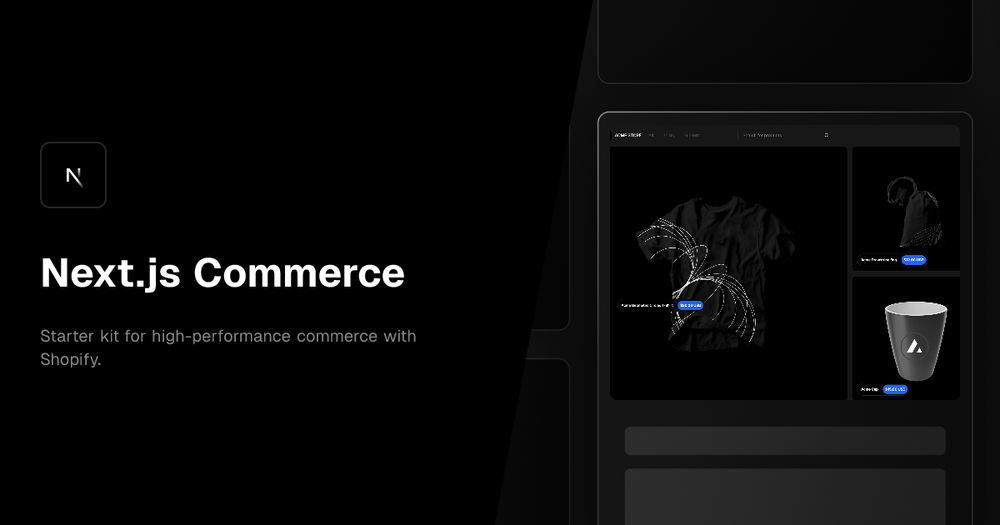
Next.js Commerce is a robust starter kit designed for building high-performance e-commerce applications using Next.js. It offers a comprehensive foundation for creating fast, scalable, and modern online stores. This template leverages React Server Components, Server Actions, Suspense, and useOptimistic to deliver an exceptional user experience.
Key features of Next.js Commerce include:
- React Server Components: Utilizes React Server Components for improved performance and SEO by rendering components on the server.
- Server Actions: Employs Server Actions to handle form submissions and data mutations directly on the server, enhancing security and performance.
- Suspense: Implements Suspense to gracefully handle loading states and improve the perceived performance of the application.
- useOptimistic: Leverages useOptimistic for optimistic updates, providing a smoother and more responsive user interface.
- Shopify Integration: Designed primarily for Shopify, offering seamless integration with the Shopify platform for managing products, orders, and customers.
- Extensible Architecture: The template is designed to be easily extended and customized, allowing developers to adapt it to their specific needs.
- Provider Flexibility: While actively maintained for Shopify, it supports alternative commerce providers through forking and implementation of custom data fetching logic.
Use cases for Next.js Commerce include:
- Headless Shopify Storefronts: Building custom storefronts for Shopify using Next.js, providing greater control over the user experience and design.
- High-Performance E-commerce Applications: Creating e-commerce applications that deliver exceptional performance, scalability, and SEO.
- Customizable Online Stores: Developing online stores with unique features and designs, tailored to specific business requirements.
- Rapid Prototyping: Quickly prototyping and launching e-commerce applications with a solid foundation and pre-built components.
To run Next.js Commerce locally, you'll need to configure environment variables defined in .env.example. It is recommended to use Vercel Environment Variables for managing these configurations. The basic steps include installing the Vercel CLI, linking your local instance with Vercel and GitHub accounts, and downloading your environment variables using vercel env pull. After setting up the environment, you can start the development server using pnpm install followed by pnpm dev.













