

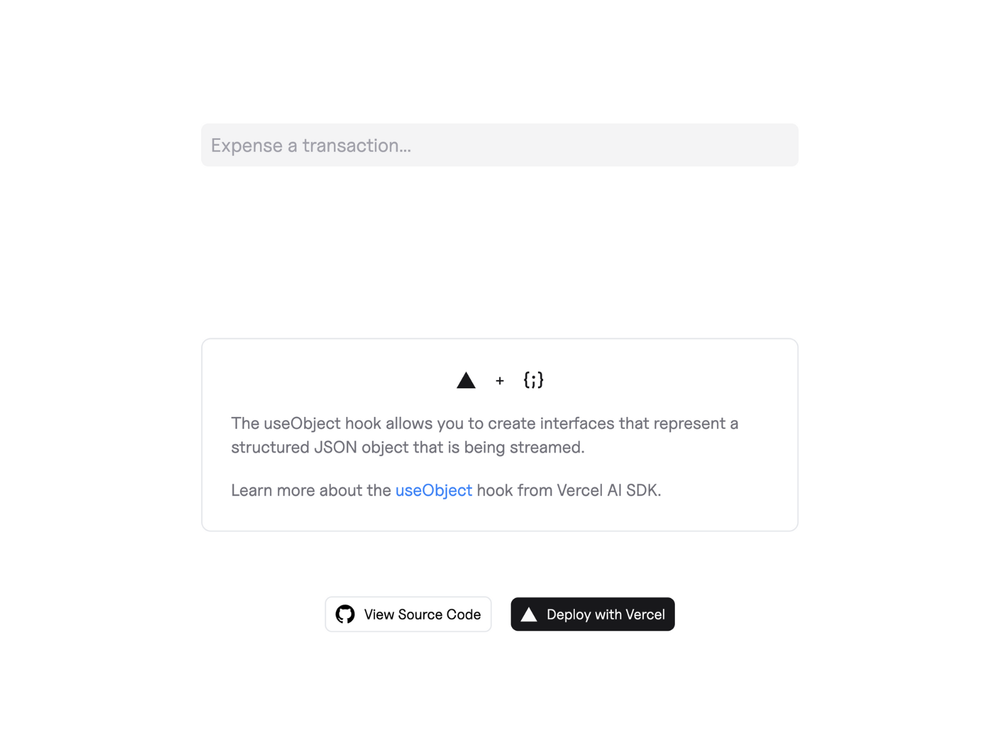
This example showcases the power of the Vercel AI SDK's useObject hook for streaming structured object generation directly to the client. Built with Next.js, this application efficiently converts raw text inputs into well-defined JSON objects, demonstrating real-time processing of data like expenses. It provides a practical template for developers looking to integrate AI-powered object generation into their web applications, offering a seamless user experience by streaming data as it's being processed.
Key Features:
- Structured Object Generation: Transforms unstructured text into structured JSON objects.
- Real-time Streaming: Utilizes the
useObjecthook to stream generated objects incrementally to the client. - Vercel AI SDK Integration: Leverages the Vercel AI SDK for robust AI provider integration (e.g., OpenAI, Anthropic).
- Next.js Framework: Built on Next.js for a performant and scalable web application.
How to Use:
To get started with this template, you can bootstrap it using create-next-app:
npx create-next-app --example https://github.com/vercel-labs/ai-sdk-preview-use-object ai-sdk-preview-use-object-example
# or yarn create next-app --example https://github.com/vercel-labs/ai-sdk-preview-use-object ai-sdk-preview-use-object-example
# or pnpm create next-app --example https://github.com/vercel-labs/ai-sdk-preview-use-object ai-sdk-preview-use-object-exampleAfter cloning, ensure you have accounts with your desired AI providers (like OpenAI) and obtain their API keys. Set these keys as environment variables in a .env file, following the .env.example. Then, install dependencies with npm install and launch the development server using npm run dev.
Learn More:
- Explore the Vercel AI SDK docs for in-depth information.
- Experiment with AI models on the Vercel AI Playground.
- Deepen your Next.js knowledge with the Next.js Documentation.













