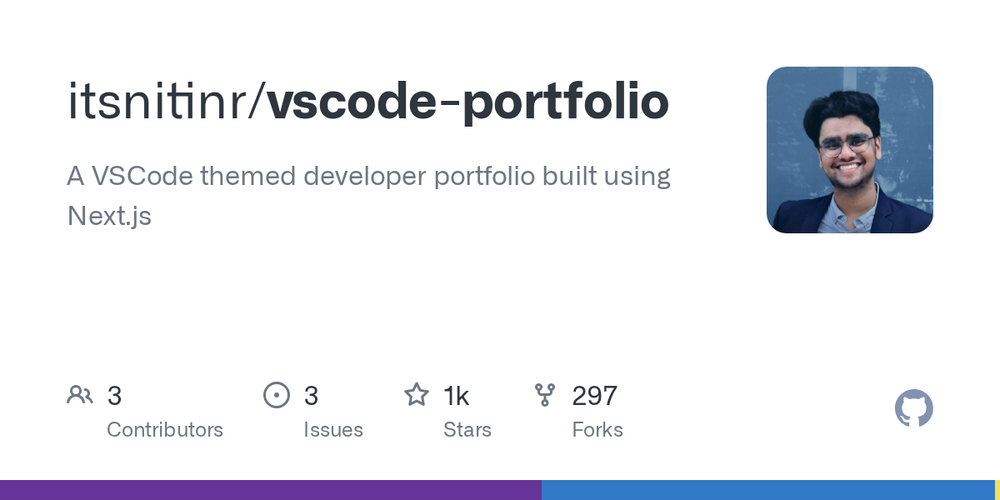
The vscode-portfolio is an innovative developer portfolio website designed to replicate the familiar interface of Visual Studio Code. Built with Next.js and deployed on Vercel, this project offers a highly interactive and engaging way for developers to showcase their skills and projects.
Key features include:
- VSCode Themed Interface: A meticulously crafted UI that mirrors the aesthetics and layout of Visual Studio Code, providing a unique and immersive experience for visitors.
- Customizable Themes: Comes with several pre-implemented themes like GitHub Dark (default), Dracula, Ayu, and Nord, allowing for personalization to match individual preferences.
- Interactive Elements: Designed to feel like a real code editor, enhancing user engagement. Future plans include an interactive custom terminal.
- Easy Content Management: The portfolio's content is structured within the
pagesandcomponentsfolders, making it straightforward to add, remove, or modify sections. Customizing the sidebar and tabs is also simplified throughSidebar.jsxandTabsbar.jsx. - Dev.to Integration: Supports fetching articles from dev.to by configuring environment variables in a
.env.localfile, enabling dynamic content display.
This portfolio is ideal for developers looking for a distinctive and technically impressive way to present their work. It leverages modern web technologies like Next.js for performance and Vercel for seamless deployment. To get started, clone the repository, install dependencies (npm install or yarn), set up your .env.local file, and run the development server (npm run dev or yarn dev). The project is open to contributions and suggestions for new features and themes.